Technician Scheduling
The Fastest Way to Take a Service Call
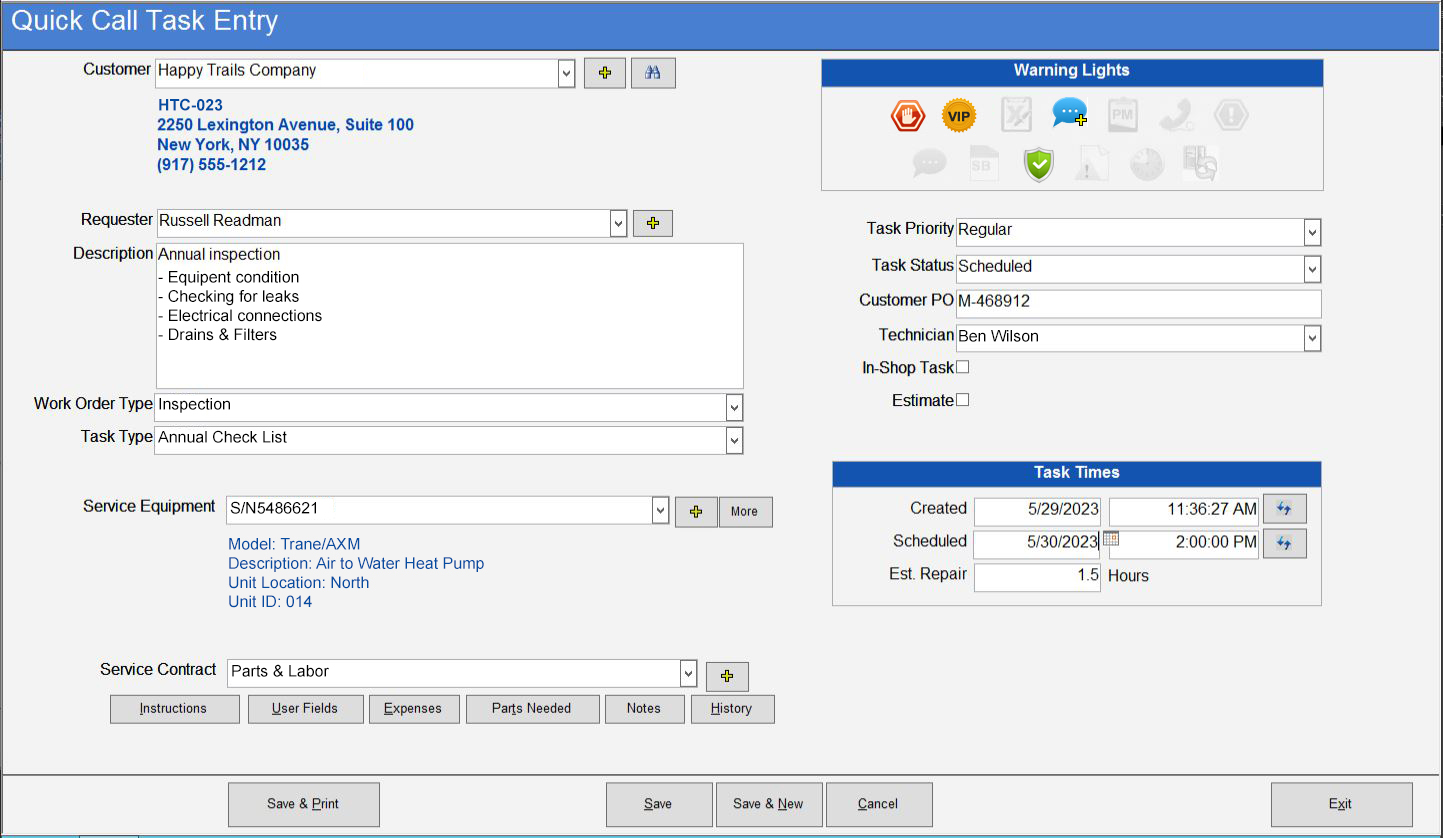
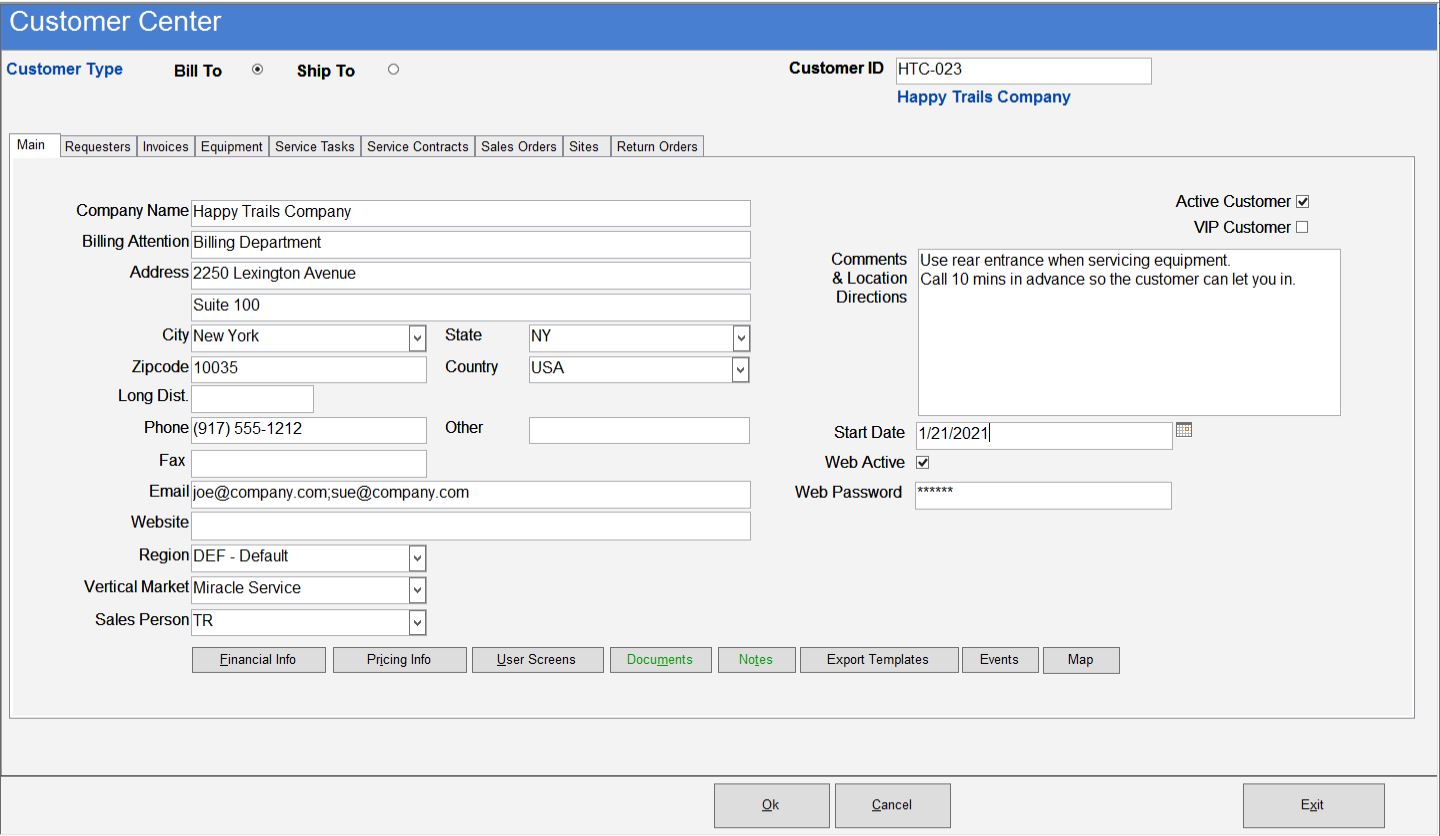
Take a service call in seconds! Service call takers have immediate access to up-to-date customer contact and equipment information, service notifications – complete with visual alerts – as well as suggested parts to optimize the service call. This decreases call-taking times and costs, improves the customer experience and reduces the risk of call backs.
![]() |
![]() |
![]() |
| Click to View Screenshots |
Automatically default technicians based on customer, equipment, contract or region. Assign emergency calls to technicians with the parts required to perform the service in their vehicles. Intelligently sort and schedule calls by service call priority.
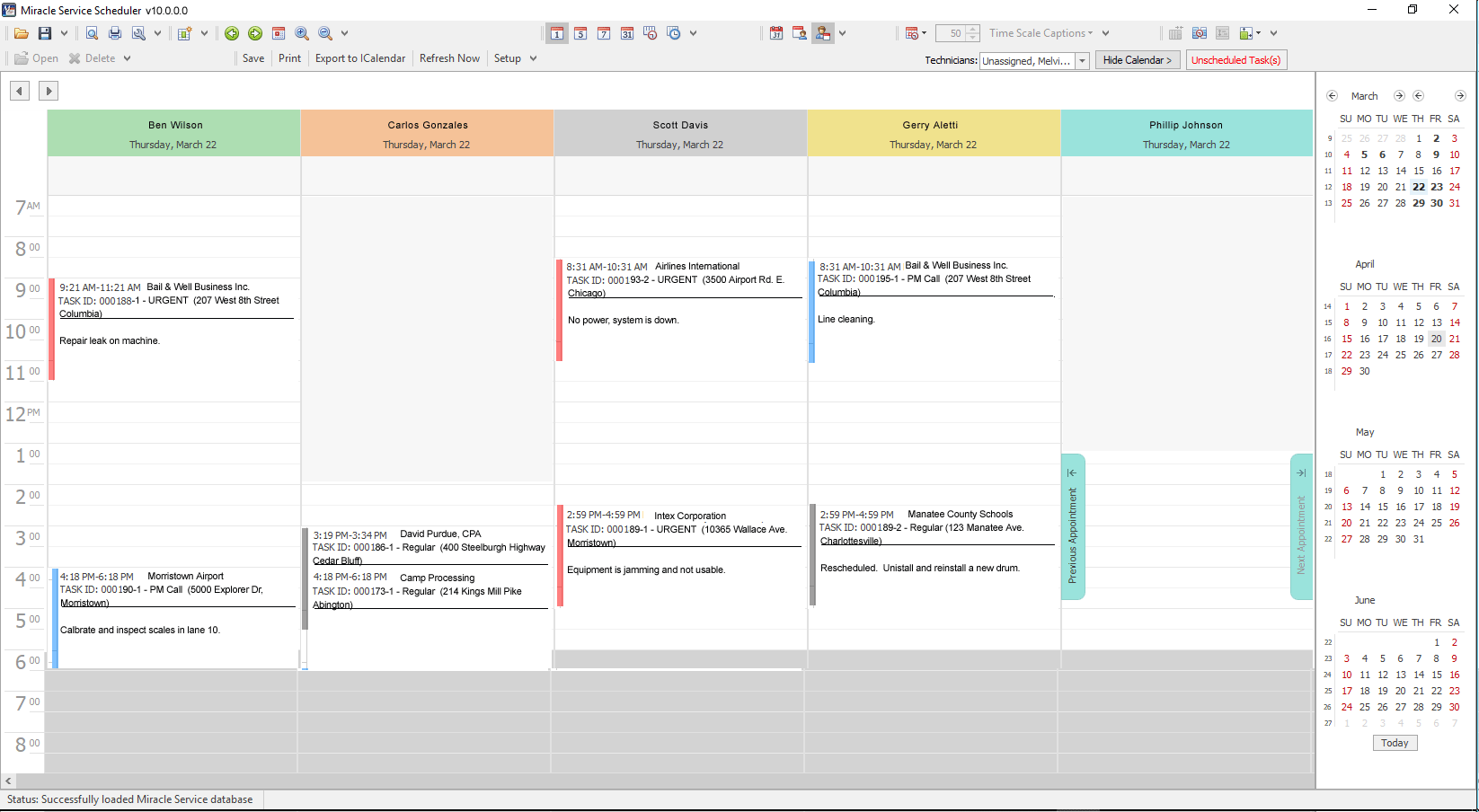
Manage the work schedule with drag-and-drop ease. See all your technicians’ schedules in daily, weekly or monthly view for a complete picture of upcoming jobs. Just drag jobs from one technician to another to reassign them, or drag items to change the scheduled time or duration of work.
Add the option to allow your customers to open and view service calls directly on the web (Customer Web Portal) and remote access for your technicians (with the Wireless PDA Portal or Technician Web Portal) and you boost your efficiency even more.
Key Features
• Take a Quick Call in seconds. Customer equipment and service contract information appears automatically.
• Warning Lights inform users of Preventive Maintenance due, warranty, call back, problem alerts and more.
• Dispatching one or more technicians to a service task takes just seconds. Check to see who has time to do the job, and verify their schedules.
• Drag and Drop Visual Scheduler makes managing your service team and entire schedule faster, easier and more effective.
• Print the service task ticket, fax it, e-mail it, send it to a wireless PDA, page the technician or send to the customer.
• Expected target date/time is automatically calculated based on customer or contract priority.
• Flexible job management allows you to create the service task on equipment, schedule equipment installations, track in-house work orders, automate equipment drop-offs, or just track the helpdesk call.
• Labor or travel charges are displayed automatically, eliminating time and errors.
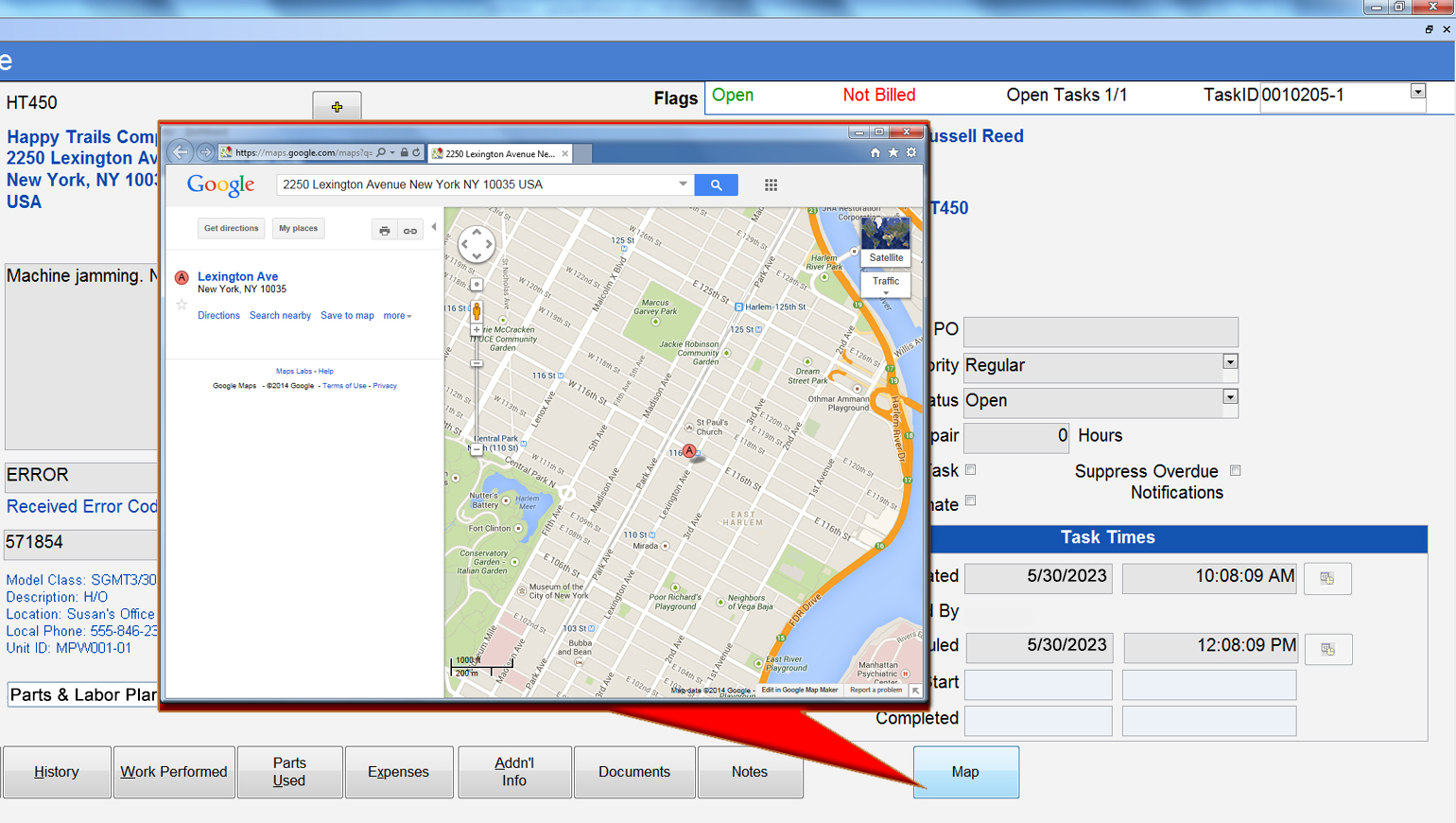
• Mapping – see routing, directions, customers’ locations, open jobs & assigned technicians (optional feature) more details.
• See service history details by customer, equipment and contract information. Displays:
- Call date and time
- Work completed date and time
- Caller and previous call history
- Service request description
- Service call notes
- Parts used with cost/sell price
- Parts included in contract during call
- Response time to call
- PM’s performed and dates
- Callback or problem alert status